
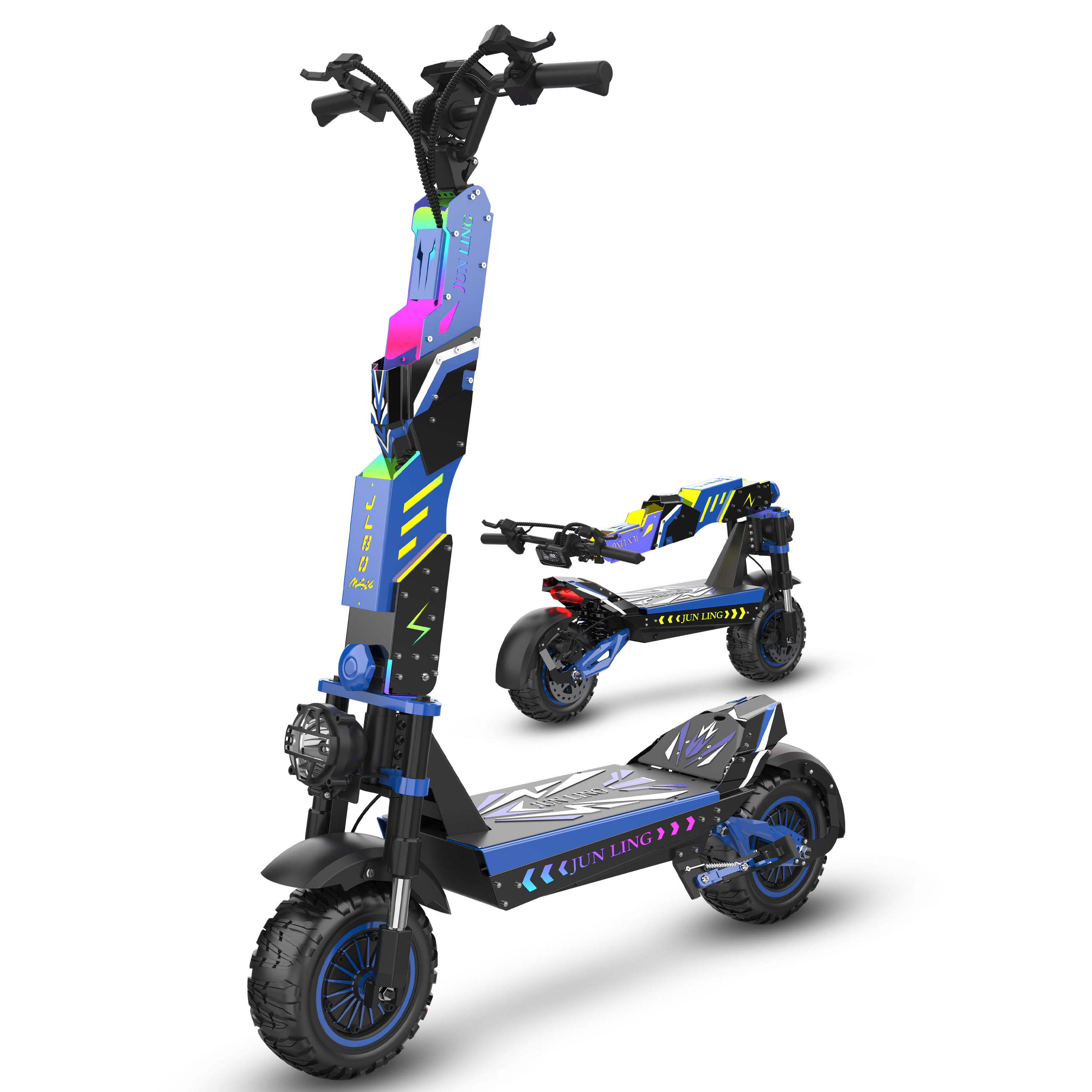
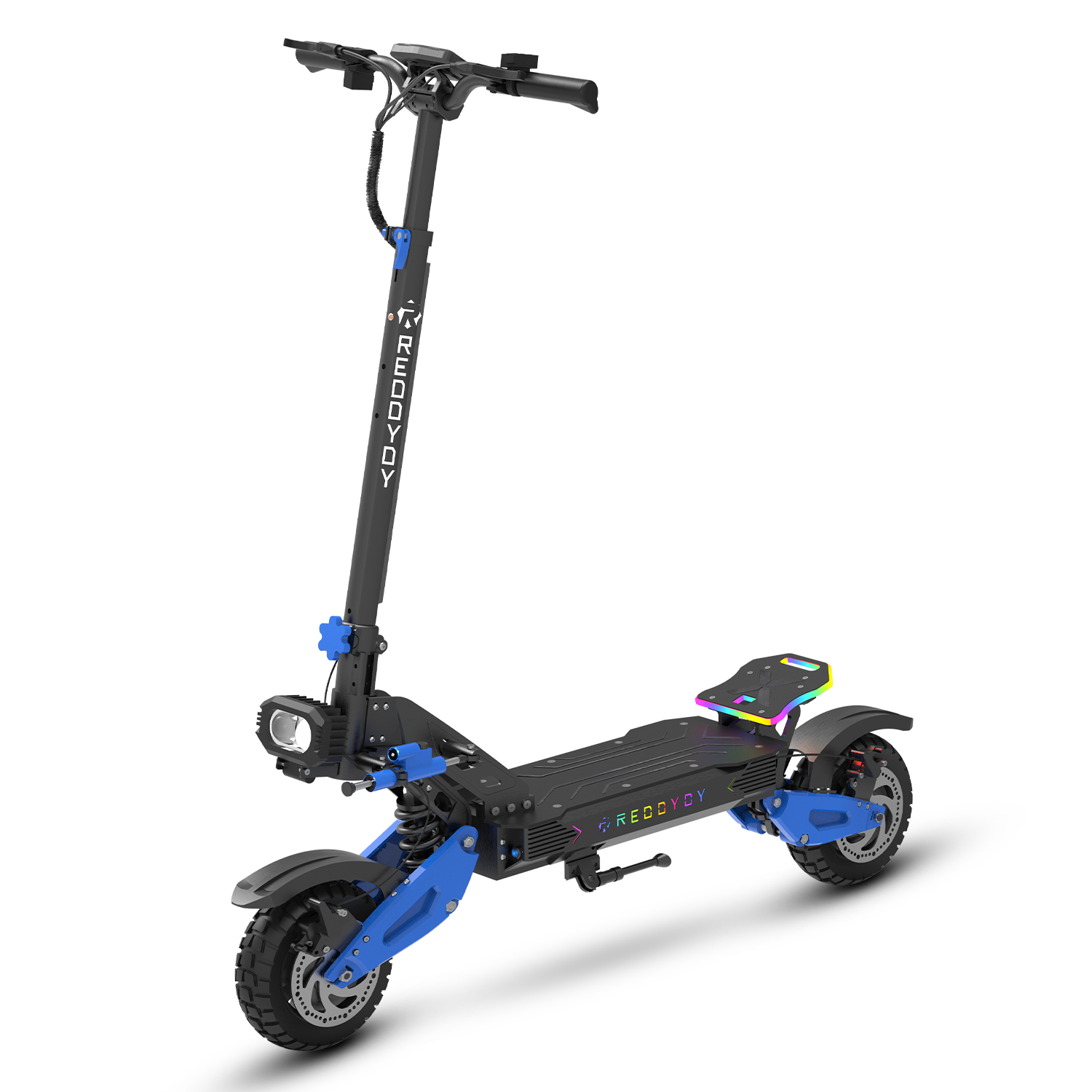
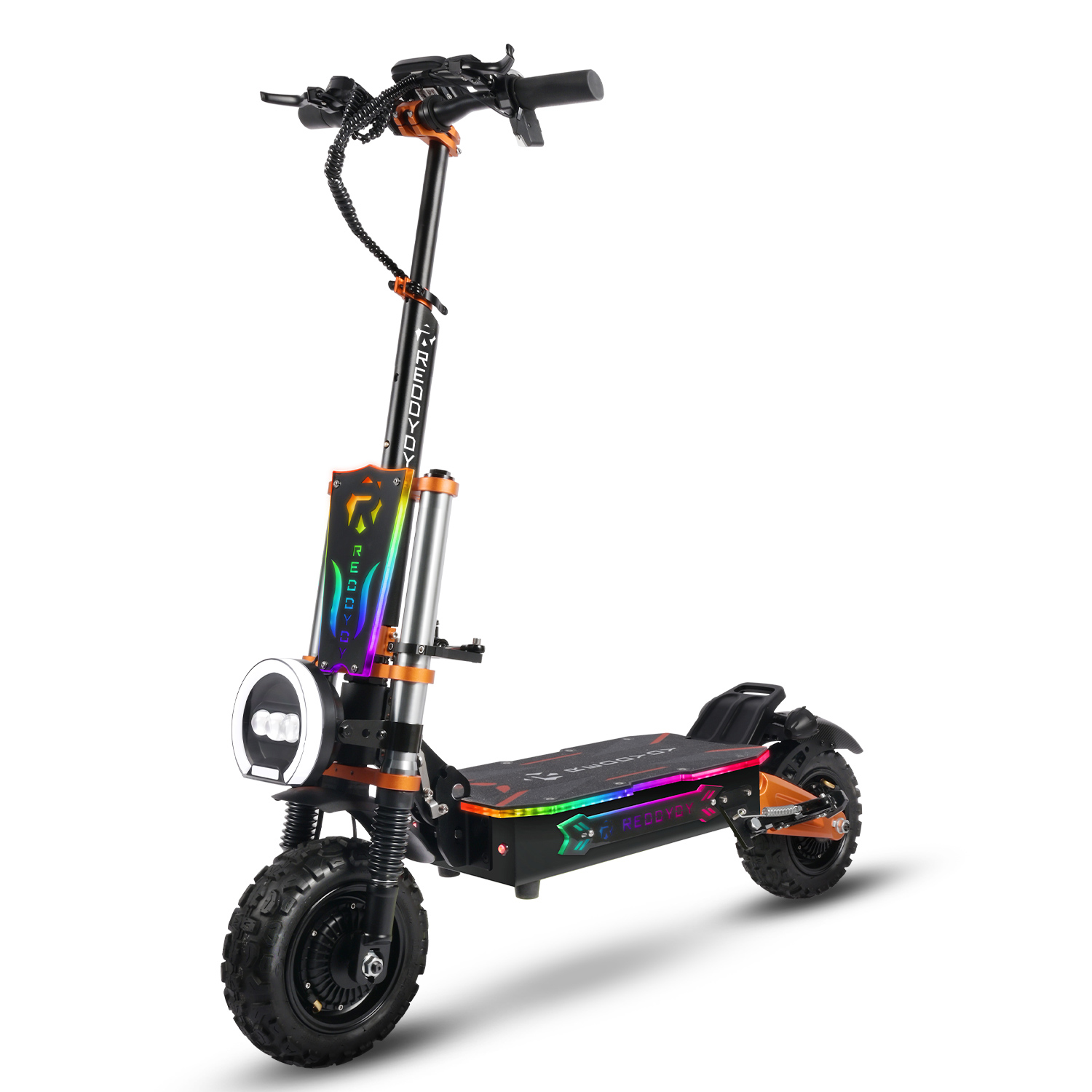
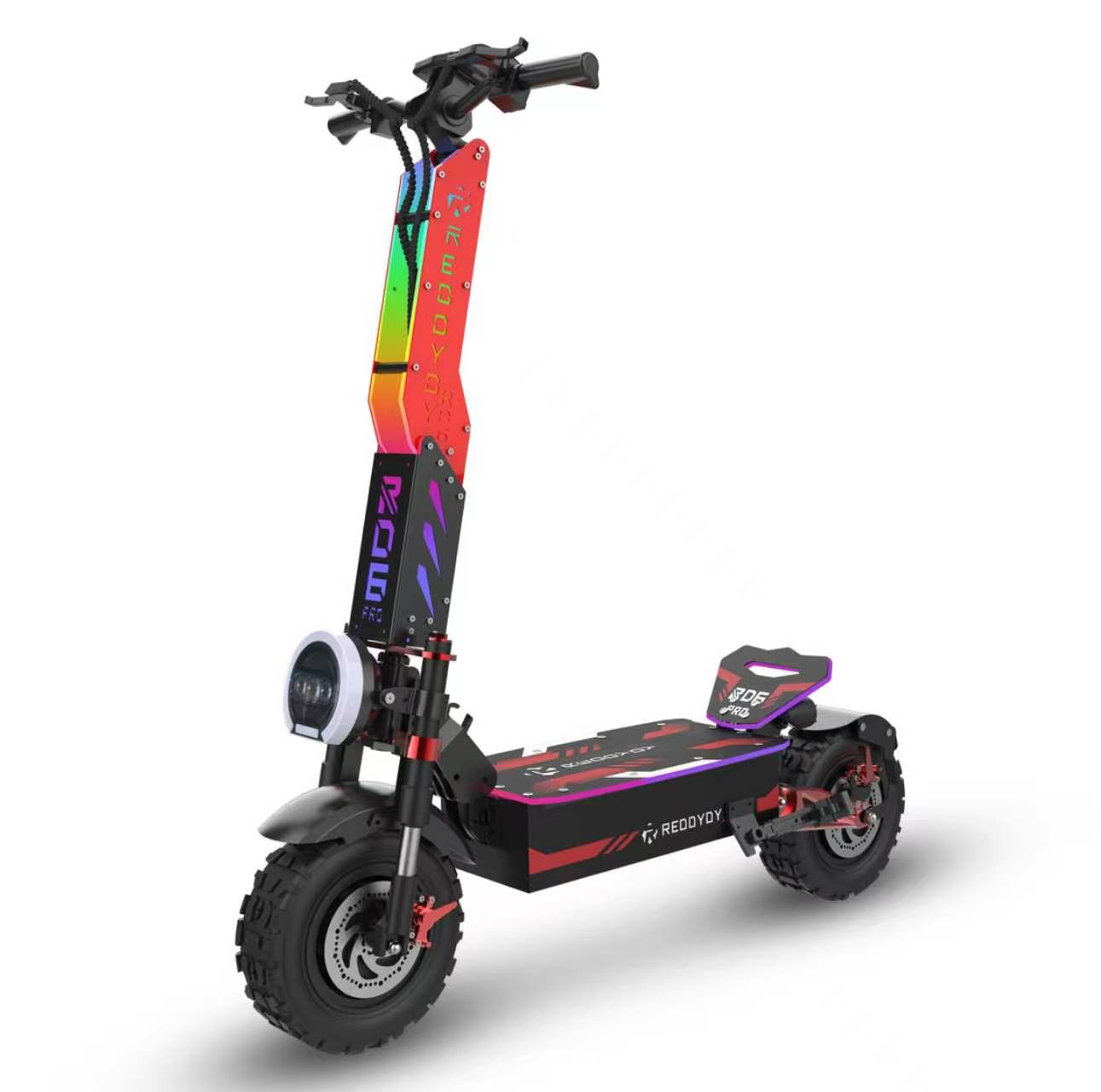
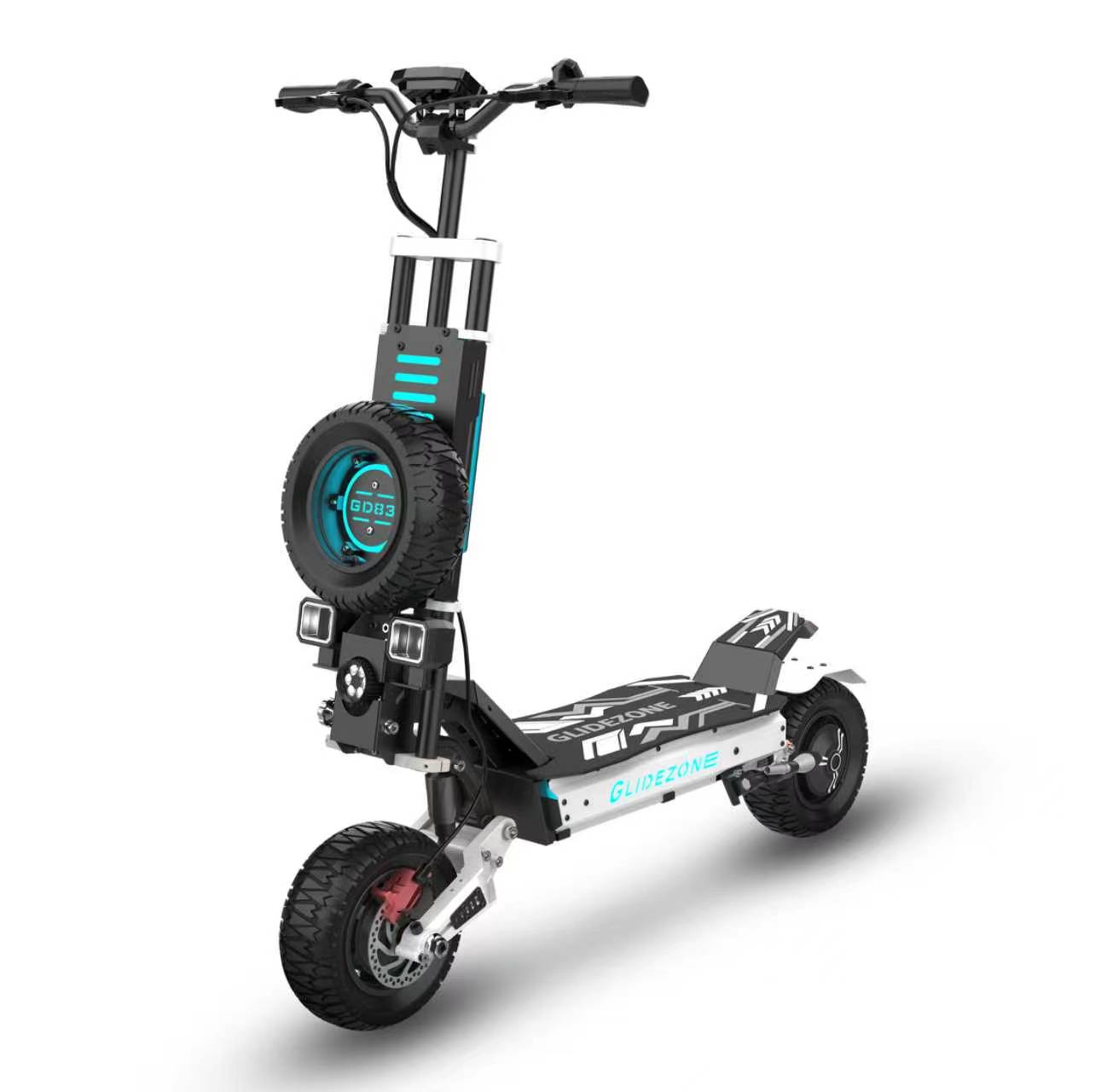
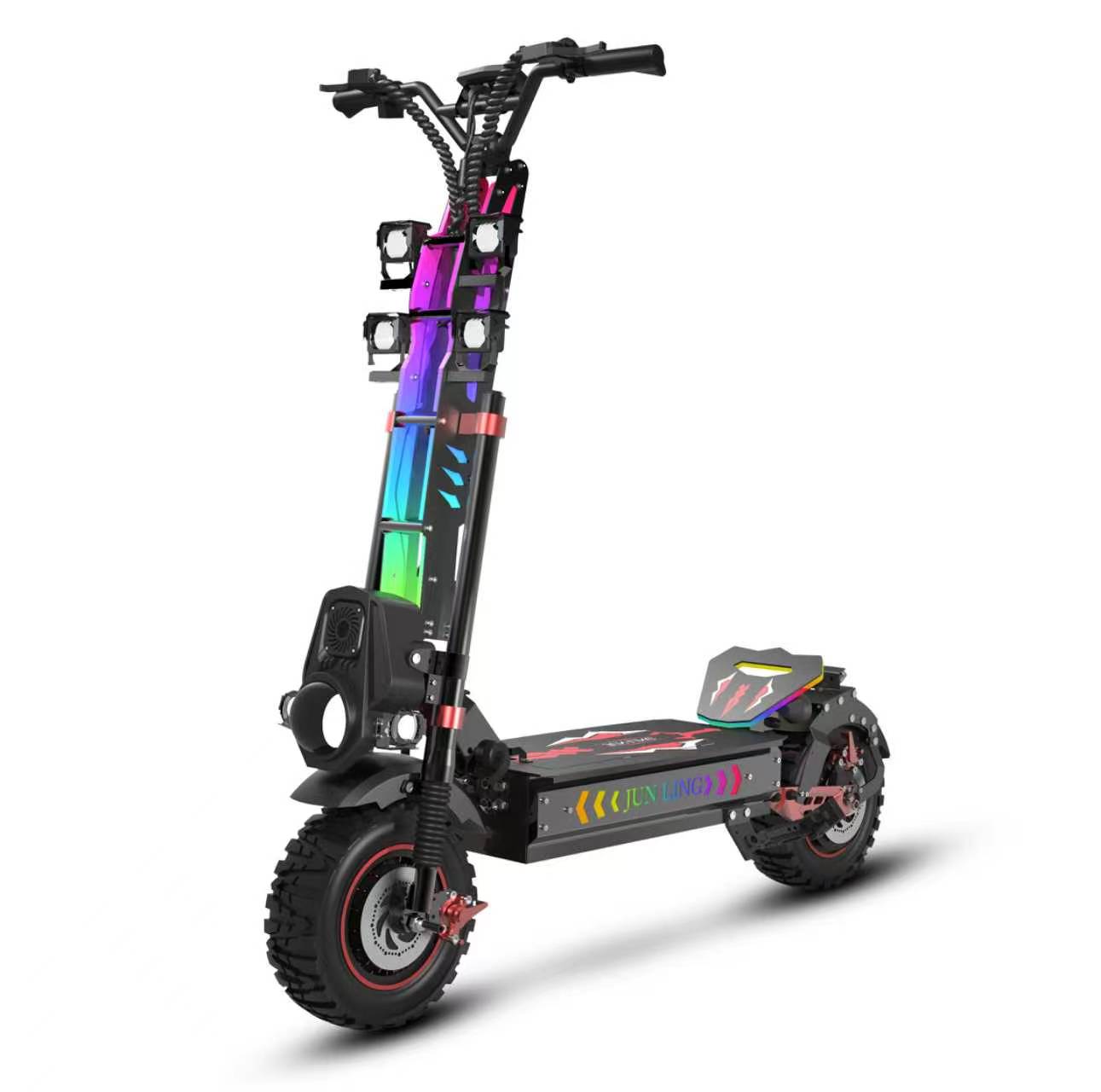

When an electric scooter powers on but does not respond to the throttle, the cause may be a low battery, a lock or start setting, an active brake cutoff, a damaged throttle or an electrical fault. Start with simple external checks and do not ride the scooter until normal, predictable throttle response has returned.
1. Check the battery and power
Look at the battery indicator and confirm that the scooter is switched on correctly. If the battery is low, charge it using the charger supplied or approved by the manufacturer. Check the charger and cable for visible damage. Do not charge a battery that is swollen, leaking, unusually hot or physically damaged.
2. Check the display for lock or error warnings
Look for a lock symbol, parking indicator, warning triangle or error code. Some scooters require an app unlock, a key or a specific start sequence. Follow the instructions for your exact model; do not try random button combinations or use an unofficial app to bypass a lock.
3. Confirm the starting method
Some commuter scooters use a kick-start feature and will not engage the motor from a complete standstill until the rider pushes off to a minimum speed. Other models allow zero-start operation. Check the owner’s manual to confirm which behavior applies to your scooter before assuming the throttle has failed.
4. Make sure the brake lever has released
Many scooters cut motor power when a brake lever is applied. Check that the brake lever returns normally and that no brake warning remains on the display. If a lever is stuck, the brake light stays on, or the scooter behaves as if the brake is engaged, stop using it and arrange an inspection. Never bypass a brake cutoff switch.
5. Inspect the throttle and visible cables
With the scooter powered off, look for obvious external damage, a jammed throttle grip, pinched wiring or a connector that has visibly come loose. Only inspect connectors that the owner’s manual identifies as user-accessible. Do not open the controller, remove battery covers or disconnect internal wiring unless directed by an authorized technician.
6. Record any error code
Write down the exact code and take a photo of the display. Error codes are not universal: the same number can mean different things on different brands or models. For example, the Razor C35 SLA manual identifies E2 as a throttle failure and E9 as a brake issue, but those meanings should not be applied to another scooter without its own manual.
When to stop troubleshooting
Stop and contact the manufacturer or a qualified repair professional if the throttle sticks, acceleration is intermittent or unexpected, the scooter jerks, wiring is damaged, the battery shows signs of damage, or the error returns after the approved restart procedure. Do not test the scooter by lifting a driven wheel and applying throttle, and never bypass safety systems.
Frequently asked questions
Why does my scooter turn on but not accelerate?
Possible causes include a lock or start mode, low battery, brake cutoff, throttle fault or controller issue. Check the manual and display warnings first.
Can I bypass the brake sensor to test the throttle?
No. The brake cutoff is a safety feature. Bypassing it can cause loss of control or unintended acceleration.
Should I replace the throttle immediately?
Not without diagnosis. The issue may be elsewhere in the control system; record the symptoms and error code and contact support.
Troubleshooting steps and error codes vary by model. Follow your owner’s manual and contact REDDYDY support for model-specific guidance.